
What is mobile access?
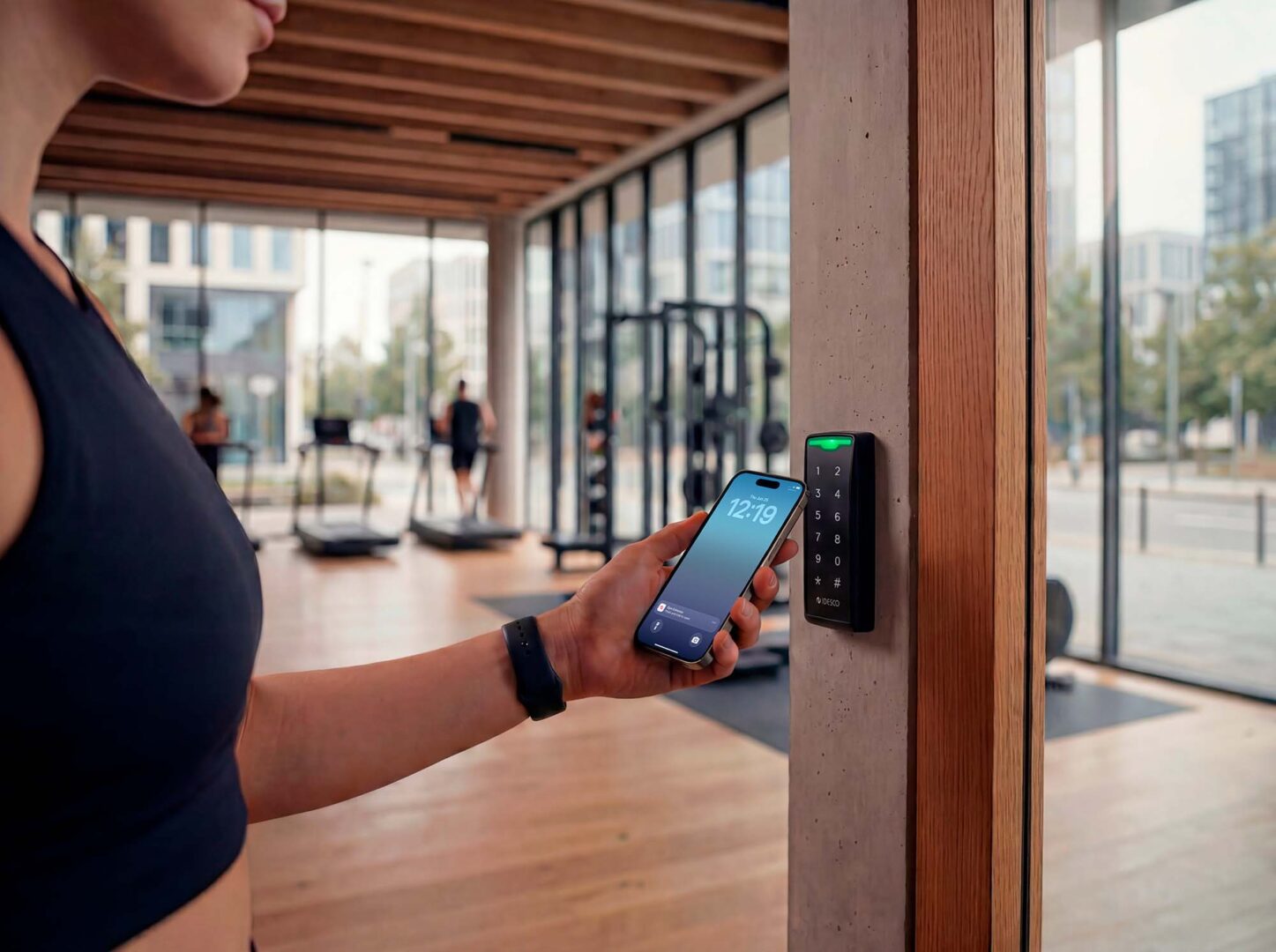
Mobile access control allows users to open doors using their smartphone instead of physical access cards, using technologies such as Bluetooth Low Energy (BLE).
Mobile access:
- Uses a smartphone as a secure access credential
- Based on Bluetooth Low Energy (BLE) technology
- Eliminates the need for physical access cards
- Convenient for users who already carry their phones at all times
- Fast and easy distribution of access rights to users’ devices
- Reduces administrative work and operational costs
- Improves security through digital credential management
- Multiple service options available for different business needs
- Suitable for organizations of various sizes and industries
Why switch to mobile access?
 User-friendly
Convenience
Phone is a convenient access method, always with you. Users can obtain mobile credentials remotely when they need them, regardless of the time and place. They don’t need to pick up physical cards or tags from service desks.
 As secure as contactless payment
Security
Phones securely store mobile credentials, and the data transfer encryption between phones and readers is similar to contactless payments. System can also be set to require the users to unlock the phone to access the door, which adds another layer of authentication.
 Cost-savings
Easy management
Issuing mobile credentials is easy. You can choose from many flexible ways to administer and send your credentials, and free yourself from handling physical tags and issuing them to users. With Idesco ID service, you pay only for mobile ID’s you use, there are no license fees.
How to start using mobile access?
Compatible readers
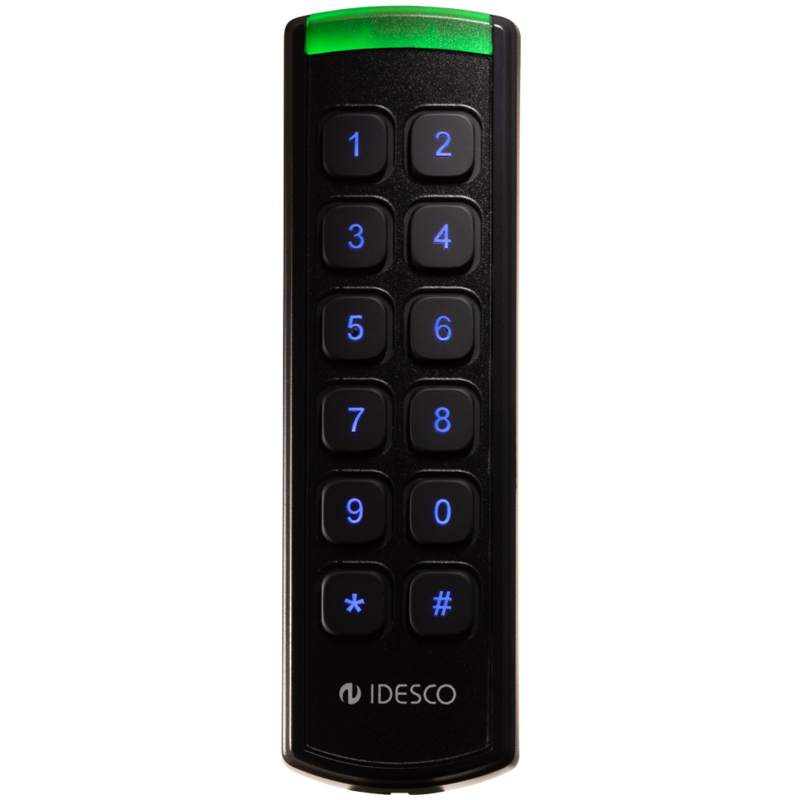
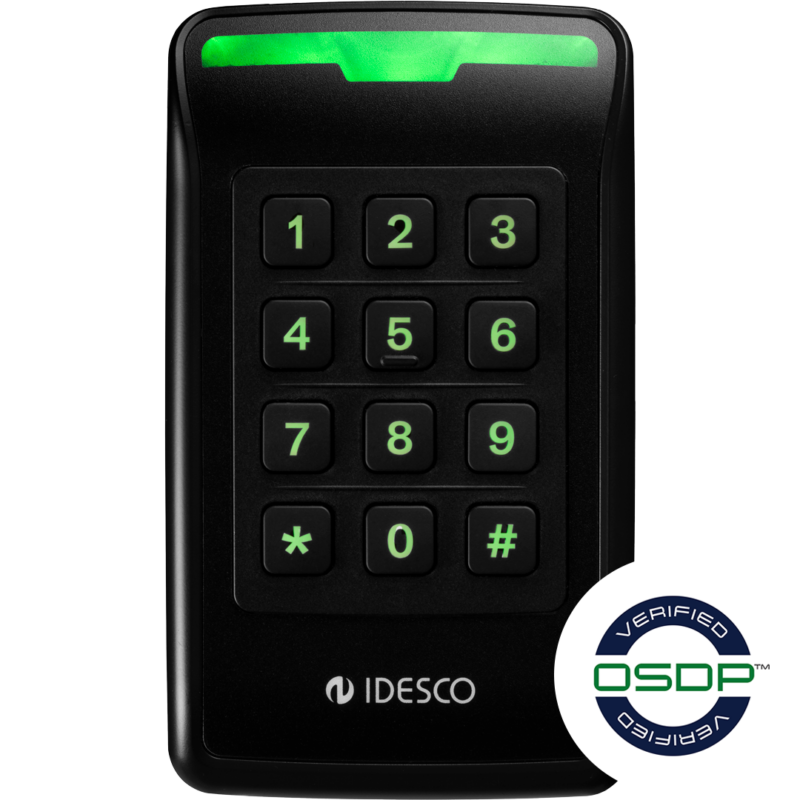
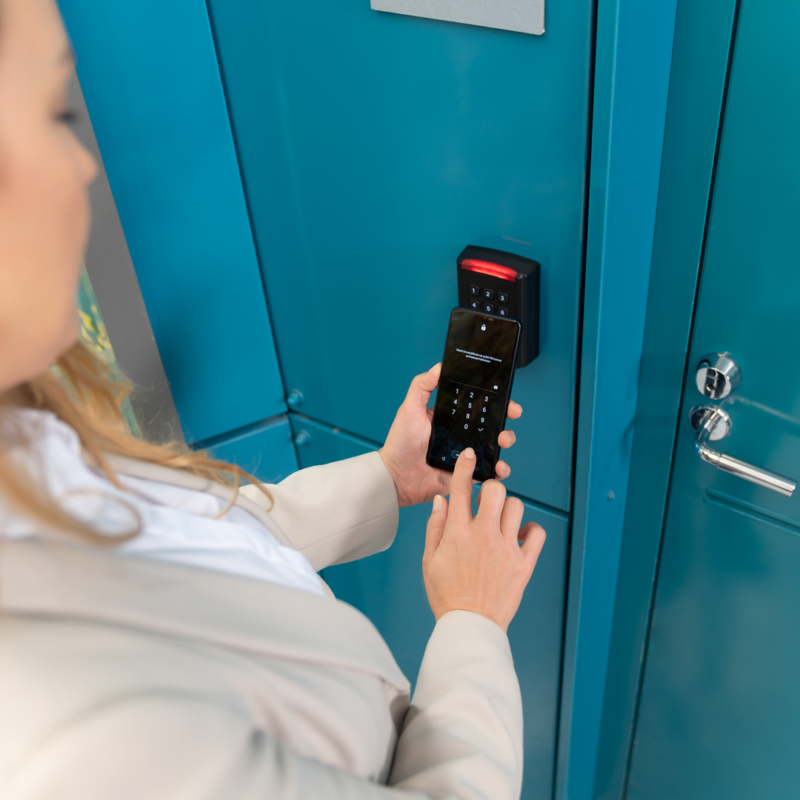
Mobile access control readers use Bluetooth (BLE) to read mobile credentials and often support traditional cards like MIFARE DESFire. This allows flexible use of both methods and enables gradual migration to mobile access. Idesco’s mobile compatible readers provide different security levels to access: 1. Hands-free, 2. Choose door in app, 3: Unlock phone’s locking screen.
Mobile access app
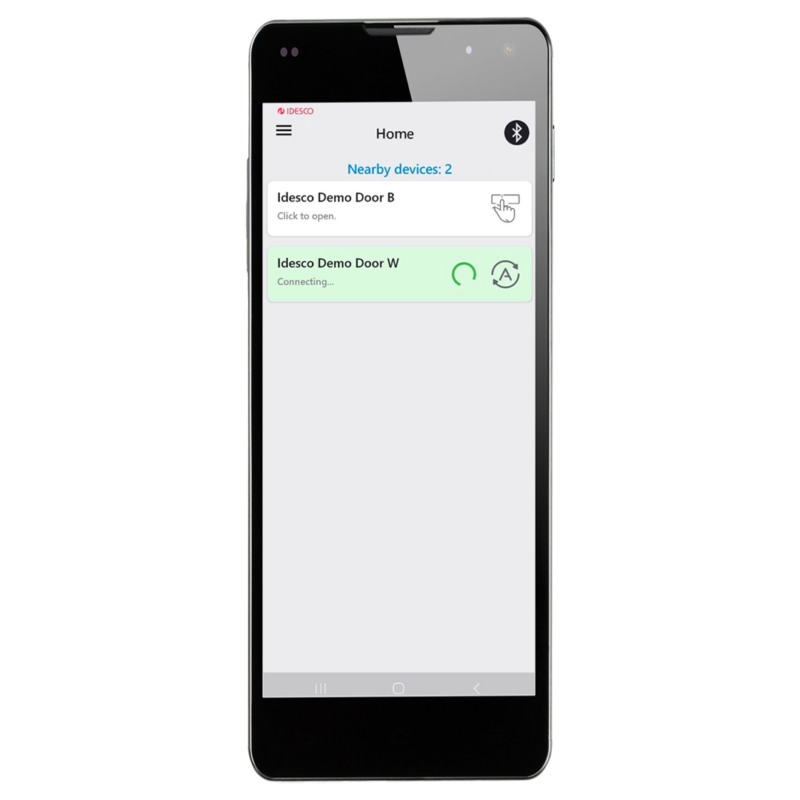
The free Idesco ID app is available in Google Play or the App Store. After users register their mobile IDs, the app is ready to use. Registration is simple, and the app is easy to set up. The app also creates a device ID on the phone that can be added to your system. It works as a mobile credential, if you decide to add mobile ID’s to your system one by one.
Mobile ID management
There are different ways to manage and send mobile credentials to your users’ phones. Idesco ID service offers several options: you can send many credentials at one time, issue mobile credentials 24/7 on demand, or add new credentials only occasionally. Whatever option you choose, with Idesco ID you pay only for credentials you use, no license fees.
Idesco ID Entry Level
Idesco ID Entry Level offers a simple, quick way to implement mobile access, ideal for organisations that don’t need to send credentials remotely. Users install the Idesco ID app to create a device ID, which serves as their mobile credential after enrollment via an Enrollment Station connected to a PC. Once enrolled, the mobile credential is managed in the access control system like any other access credential.
Idesco ID Enterprise Level
Idesco ID service makes deploying mobile access simple and efficient. The Enterprise Level lets you create and manage users’ mobile credentials around the clock, either through the Idesco Portal—where you can distribute credentials in bulk or individually—or by integrating with your own system via REST API. Users receive notifications and self-register on their phones. Neither Idesco Portal nor the API stores user data or becomes part of your access control system.
How does Idesco ID mobile access work
Use cases for mobile access
Customer comments
Enontekiö municipality
Sipoo Municipality
Asio
Mobile access products
Mobile access FAQ
-
Mobile access is an access control method where a smartphone acts as a secure credential. Instead of carrying a physical access card, users can enter doors using a mobile credential stored on their phone. Mobile access typically uses Bluetooth Low Energy (BLE) or NFC communication between the phone and the reader. At the moment Idesco’s mobile access solutions support BLE, and NFC is coming soon.
-
A mobile credential is securely stored on the user’s smartphone and used with a mobile access app such as Idesco ID. When the phone comes within range of a compatible reader, the credential is authenticated and access is granted according to the user’s permissions.
-
Yes. Mobile access solutions use encrypted communication between the smartphone and the reader, similar to the technologies used in contactless payments. Additional security can be provided through device authentication, phone unlocking requirements and secure credential management. In environments where PIN codes are commonly shared, mobile credentials can offer stronger control over access rights, as smartphones are personal devices that users rarely lend to others. Lost or stolen phones can also be remotely disabled just as easily as physical cards.
-
Mobile access can provide additional security benefits because smartphones often include biometric authentication, PIN protection and device encryption.
-
Most mobile access systems use Bluetooth Low Energy (BLE), NFC or both. BLE enables convenient hands-free or long-range operation, while NFC provides short-range communication similar to contactless cards.
-
Yes. Many modern readers such as Idesco Cardea support both mobile credentials and RFID credentials, allowing organisations to gradually migrate from physical cards to mobile access.
-
Mobile access requires readers that support BLE and/or NFC communication. Idesco’s mobile-ready readers support mobile credentials (BLE, soon NFC) and secure MIFARE DESFire technology.
-
No. The phone does not need an active internet connection to open a door. Once the mobile credential has been issued and activated, authentication can be performed locally between the phone and the reader.
-
A smartphone with an empty battery cannot normally present mobile credentials. For this reason, some organisations choose to support both mobile credentials and traditional RFID cards as backup credentials.
-
Yes. Mobile credentials can be delivered remotely to users, eliminating the need to distribute physical cards or key fobs. This simplifies onboarding and reduces administrative work.
-
Compatibility depends on the access control system and reader technology. Many modern systems support mobile credentials directly or through integrations and APIs. Implementation requires mobile-enabled access control readers.
-
Mobile access can improve convenience, reduce administration, eliminate card distribution costs, enable remote credential issuance and support more flexible access management.
-
Yes. Mobile access is increasingly used in corporate offices, public buildings, healthcare facilities, educational institutions and other environments that require secure and reliable access control.
-
BLE allows communication from a greater distance and can support hands-free operation. NFC requires the phone to be placed very close to the reader, similar to tapping an access card.
-
Both serve the same purpose, but mobile credentials are issued digitally and stored on a smartphone. They can be delivered remotely, eliminating the need for users to visit a site to collect a physical access card.
Mobile credentials vs. physical access cards
Interested in mobile access?
Are you planning to start using mobile access in your organisation? You may have a lot of questions, such as: Do I have to pay yearly license fees if I only need 20 credentials per year? What is the best option to my organisation to manage mobile credentials and send them to users’ phones? How about information security? Book a meeting with one of Idesco’s experts to talk about your specific requirements.